
Alternative file transfer app
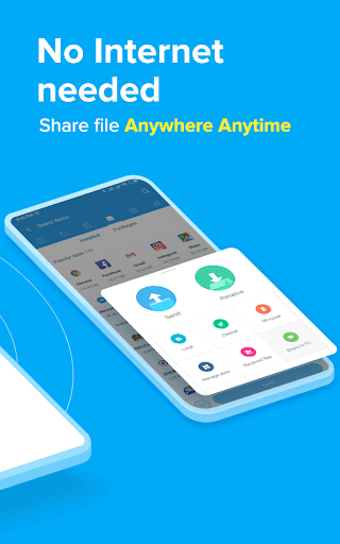
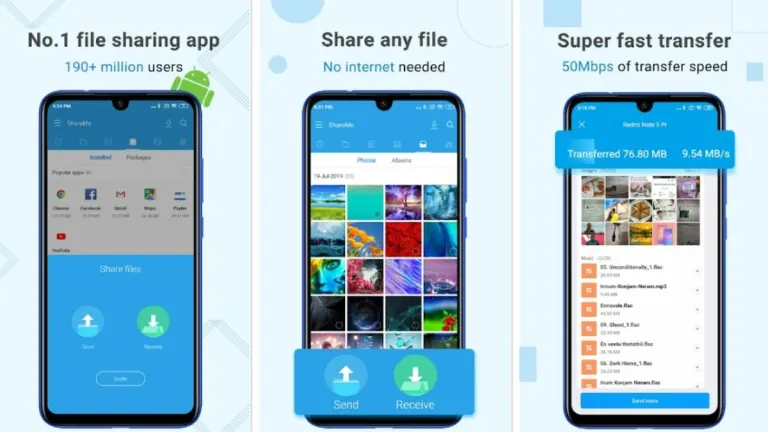
ShareMe is Xiaomi's proprietary file-transfer app, offering a straightforward and efficient way to transfer content between devices. It's a quick and convenient go-to tool for quick sharing without an internet connection, being especially useful when Wi-Fi or mobile data is slow or unavailable, and is particularly designed for seamless transfers.
ShareMe's core simplicity means you can easily move photos, videos, music, applications, and documents. It aims to provide you, the user, with a smooth experience, making content transfer hassle-free. This focus on user-friendliness ensures you can quickly get your files where they need to go, regardless of any connectivity status.
So many features and issues
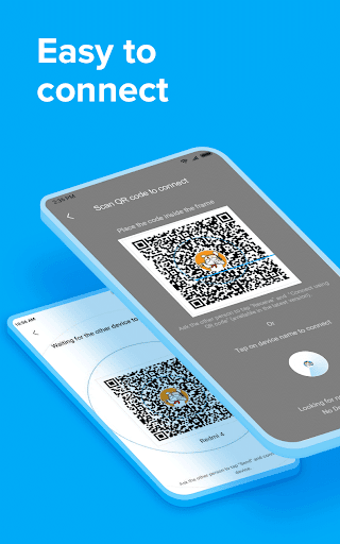
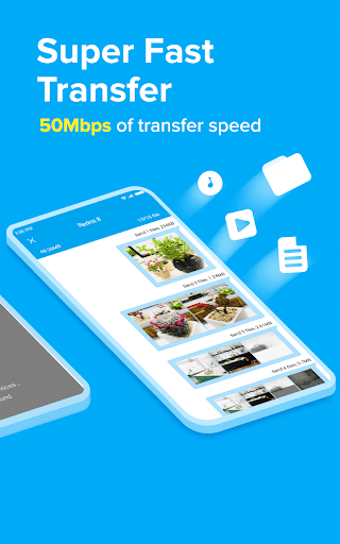
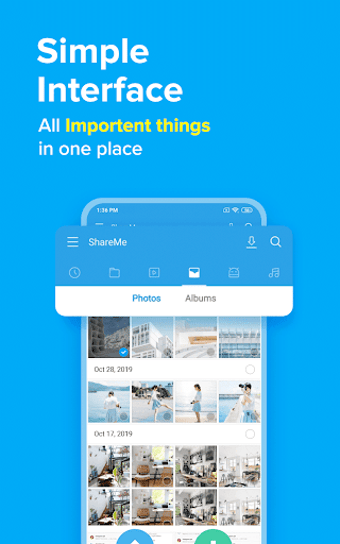
At its core, ShareMe uses an innovative peer-to-peer technology, often via Wi-Fi Direct, to establish a direct connection between devices. This means you get much faster transfers than with old-school Bluetooth, which is a huge plus for big files. The interface is super clean and easy to use, with clear "Send" and "Receive" buttons guiding you with ease, and with clear texts to guide the user through the process.
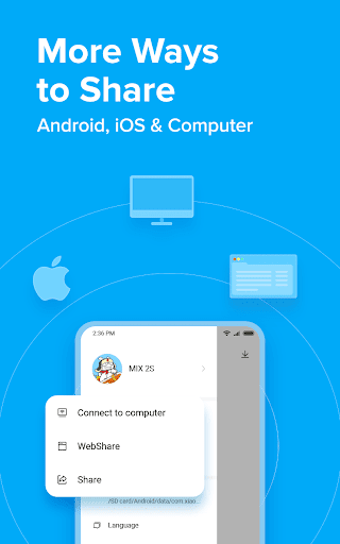
Beyond just sharing, the app often lets you transfer files across different platforms like iOS found in iPhones, though it shines brightest between Android devices. This flexibility is great, letting more people enjoy its speed and convenience. You'll also find handy features like file management built right in, and the ability to share apps directly is a really useful bonus.
While it excels in speed and offline use, you might encounter minor drawbacks. Some versions could show ads, which can be a bit disruptive. You might also experience occasional connection hiccups, especially with different phone brands. Plus, it's mainly for Android-to-Android transfers. With Android's built-in Quick Share and iOS’ AirDrop now widely available and working well, you might find ShareMe less essential for your daily file-sharing needs.
Good, but there are better options
ShareMe offers you fast, offline file transfers with a user-friendly interface, supporting various file types and decent cross-Android compatibility. However, you might encounter intrusive ads or occasional connection issues, and its PC and iOS support is limited. While it's a solid tool, Android's built-in Quick Share now provides similar functionality, suggesting you might find more streamlined options available. Still, it's a reliable choice for quick, no-internet sharing.