Share files from your PC
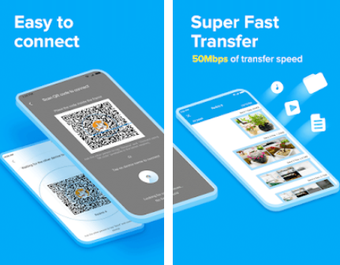
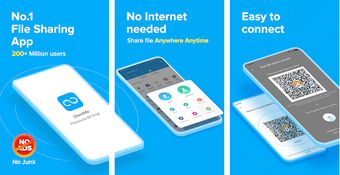
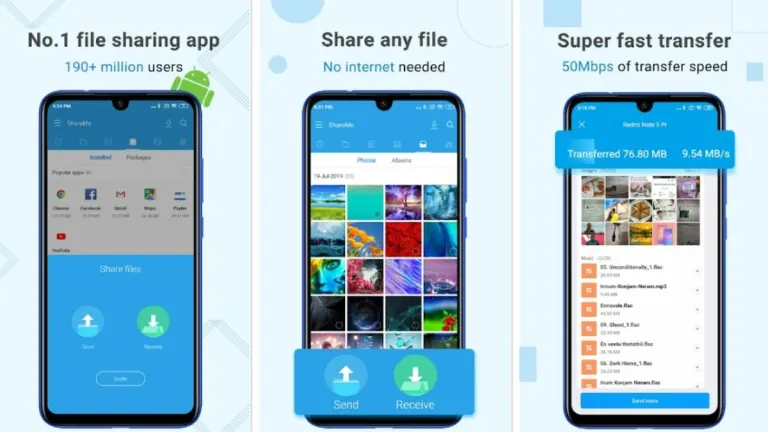
ShareMe for PC is a free file sharing tool made by Xiaomi for moving your files around. It lets you send photos, videos, and documents between different devices without using any messy cables. This works really well for anyone who needs to swap data while staying on the same home network.
Top Recommended Alternative

Fast and easy to use
ShareMe for PC doesn’t need an internet connection to function. Transfers happen much faster than old Bluetooth methods, making it perfect for huge movies or large photo albums. There are no limits on file sizes, so you can send as many as you want in just one go.
However, since there’s no official computer version, you must install an Android emulator first. This extra step might feel a bit annoying for people who want a simple setup. Also, both devices have to be on the same Wi-Fi, or the two gadgets will not be able to connect with ease.
Worth the extra steps needed
Overall, ShareMe for PC solid choice for anyone who needs to move files without using data. Even though the installation process takes a little more effort, the high speed makes it worthwhile. It remains a reliable way to keep all your different devices in sync while keeping things totally free.